Native Mini Apps are built using the Rebell Mini Program framework — a component-based, JavaScript-driven approach that renders using platform-native UI elements inside the SuperApp.
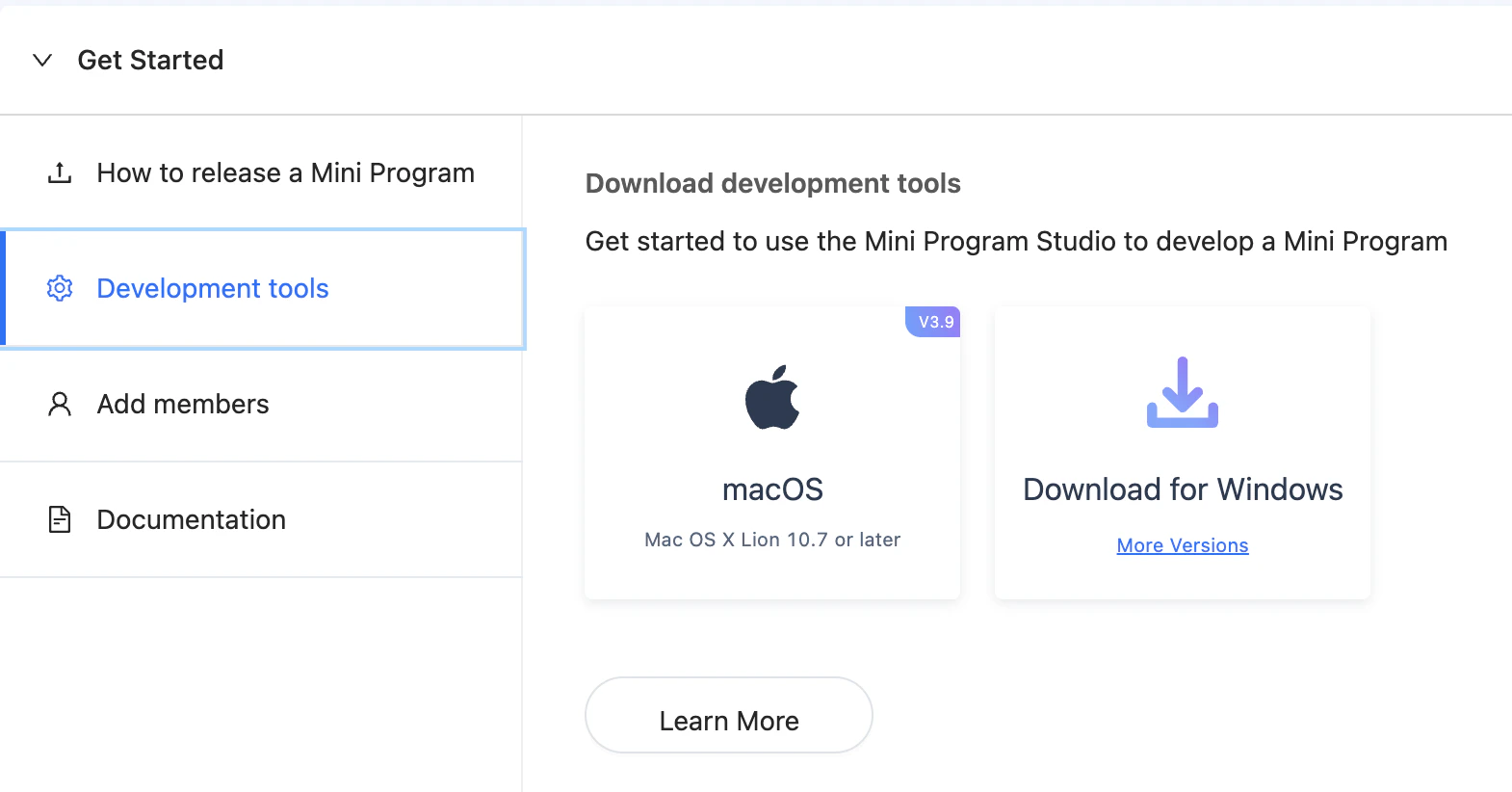
Mini Program Studio is available for download in your personal area.Download Mini Program Studio
This is the recommended approach for new Mini App development. It provides the best performance, deepest SuperApp integration, and full access to all JSAPIs.

How It Works

  • Code is written in AXML (markup), ACSS (styles), and JavaScript
  • Rendered using platform-native components — not a WebView
  • All JSAPI methods are available via the my global object
  • Communication with your backend goes through standard HTTPS calls

Project Structure

A minimal Native Mini App has this layout:
my-mini-app/
├── app.js          # App-level logic and lifecycle hooks
├── app.json        # Global configuration (pages, window, tabBar)
├── app.acss        # Global styles
└── pages/
    └── index/
        ├── index.axml   # Page template
        ├── index.js     # Page logic
        ├── index.json   # Page-level config
        └── index.acss   # Page styles

Step 1: Install Mini Program Studio

Download and install Mini Program Studio from the Rebell developer portal. After installation, log in with your merchant credentials and select your Mini App from the project list.

Step 2: Create Your App Entry Point

app.js — defines global state and lifecycle hooks:
App({
  onLaunch(options) {
    // Called once when the Mini App is first launched
    console.log('App launched', options);
  },

  onShow(options) {
    // Called when the Mini App becomes visible
  },

  onHide() {
    // Called when the Mini App goes to background
  },

  globalData: {
    userId: null,
  },
});
app.json — declares pages and global window settings:
{
  "pages": [
    "pages/index/index"
  ],
  "window": {
    "defaultTitle": "My Service"
  }
}

Step 3: Build a Page

pages/index/index.axml — page template:
<view class="container">
  <text class="title">{{title}}</text>
  <button type="primary" onTap="handlePay">Pay Now</button>
</view>
pages/index/index.js — page logic:
Page({
  data: {
    title: 'Welcome',
  },

  onLoad(query) {
    // Page loaded, query contains URL params
  },

  handlePay() {
    // Request payment token from your backend, then trigger payment
    my.tradePay({
      tradeNO: '<payment reference from your backend>',
      success: (res) => {
        if (res.resultCode === '9000') {
          my.alert({ title: 'Payment successful' });
        }
      },
      fail: (err) => {
        my.alert({ title: 'Payment failed', content: err.errorMessage });
      },
    });
  },
});
pages/index/index.acss — page styles:
.container {
  padding: 24px;
}

.title {
  font-size: 20px;
  font-weight: bold;
}

Step 4: Access JSAPI

All platform capabilities are accessed via the my global object. Examples:
my.getAuthCode({
  success: (res) => {
    const authCode = res.authCode;
    // Send authCode to your backend to exchange for user token
  },
  fail: (err) => console.error(err),
});
my.showLoading({ content: 'Processing...' });

// Later:
my.hideLoading();
my.getSystemInfo({
  success: (res) => {
    console.log(res.platform); // 'iOS' or 'Android'
  },
});
See the full JSAPI Reference for all available methods.

Step 5: Call Your Backend

Use my.request for HTTPS calls to your merchant backend:
my.request({
  url: 'https://api.your-backend.com/order/create',
  method: 'POST',
  headers: { 'Content-Type': 'application/json' },
  data: { amount: 1000, currency: 'EUR' },
  success: (res) => {
    const { tradeNO } = res.data;
    // Use tradeNO to trigger my.tradePay
  },
  fail: (err) => my.alert({ title: 'Network error' }),
});
Never call Rebell Payment APIs directly from the Mini App. All payment creation must go through your merchant backend to protect your signing credentials.

Step 6: Preview and Test

In Mini Program Studio:
  1. Click Preview to generate a QR code
  2. Scan with the Rebell SuperApp (sandbox mode) to run on device
  3. Use the built-in Simulator for quick iteration without a physical device
  4. Check the Console tab for logs and errors

Step 7: Submit for Review

Once ready:
  1. Increment the version in app.json
  2. Click Upload in Mini Program Studio
  3. Submit the uploaded version for Rebell review from the developer portal
  4. After approval, publish to production

Payments

Triggering a payment from a Native Mini App follows this flow:
1

User initiates action

User taps a button or completes a form in your Mini App
2

Mini App calls your backend

Send order details to your backend via my.request
3

Backend creates payment

Your backend calls the Rebell Payment API and returns a tradeNO
4

Mini App opens payment UI

Pass tradeNO to my.tradePay — Rebell handles the payment UI
5

Backend receives webhook

Rebell notifies your backend of the final result
See Payments in Mini Apps for the complete implementation guide.

Next Steps

JSAPI Reference

Full list of available my.* APIs

Mini App Lifecycle

Review, versioning, and publishing process

Backend Authentication

Authenticate Mini App requests on your backend

Payments

Trigger payments from within your Mini App